
Network & Domain · Step-by-step guide
How to Look Up Who Owns a Domain (WHOIS)
WHOIS Lookup shows the public registration details of a domain name: who it is registered with, when it was created, when it expires and which nameservers it uses.
How to use it
Type a domain
Enter a domain such as
example.cominto Domain name. Leave outhttps://andwww.Press Lookup WHOIS
The details load in a moment.
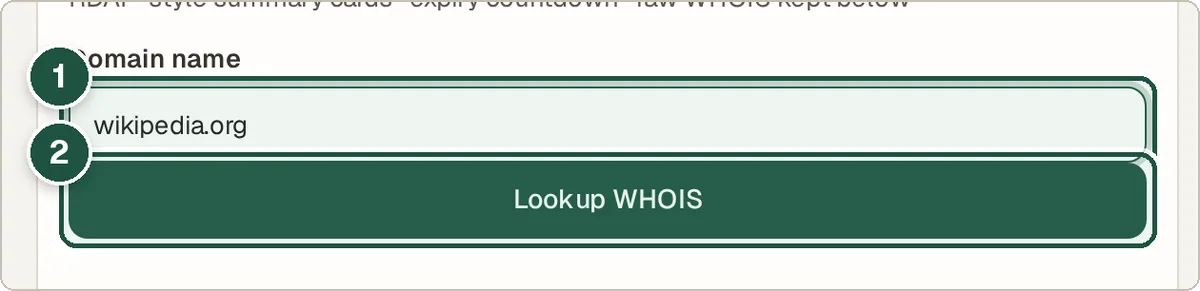
Domain (1) and Lookup WHOIS (2). Check the expiry date
The cards show the registrar, creation date and expiry date, with a countdown to when the domain expires.
Check the nameservers and status
Nameservers show which company runs the domain's DNS. The raw WHOIS text is included too.
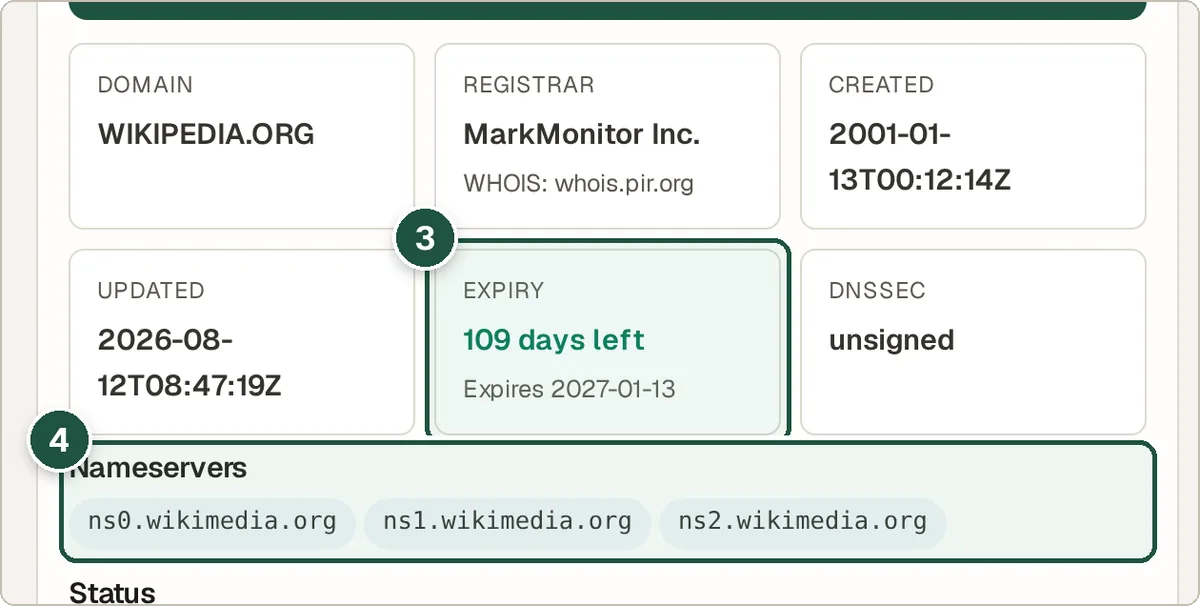
Expiry date card (3) and nameservers (4).
Tips and common questions
Why can't I see the owner's name?
Most domains use privacy protection, and data rules like GDPR hide personal details. You will usually see the registrar instead.
How can I tell if a domain is available?
If the lookup finds no registration, the domain may be free. Check with a registrar to be sure.
Is there an API?
Yes. The tool shows an API Usage (cURL) example you can copy.
Privacy
The domain you enter is sent to the Wivrix server, which runs the public WHOIS lookup for you.
Ready to try it? The WHOIS Lookup is free and needs no account.
Open the WHOIS Lookup