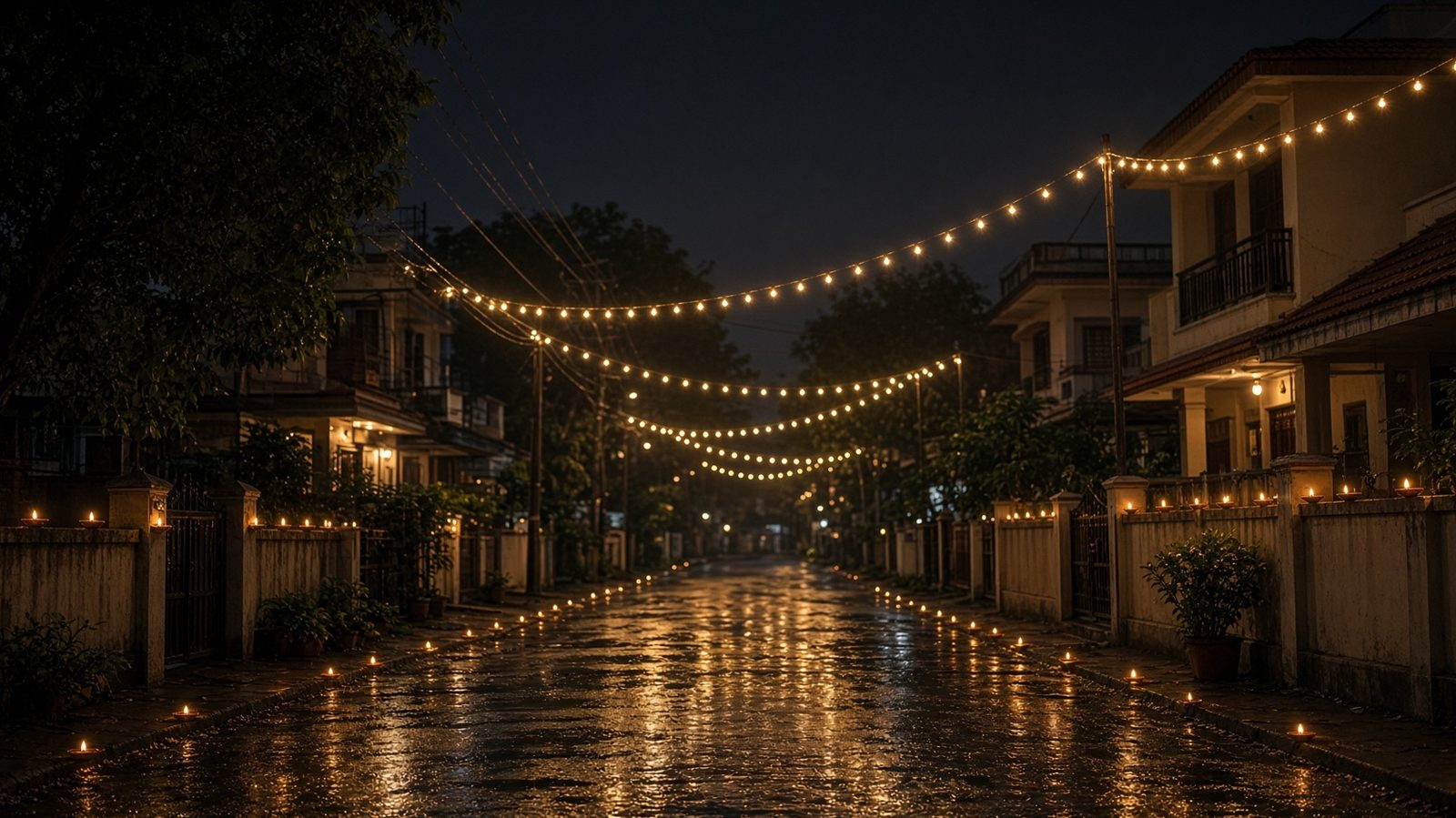
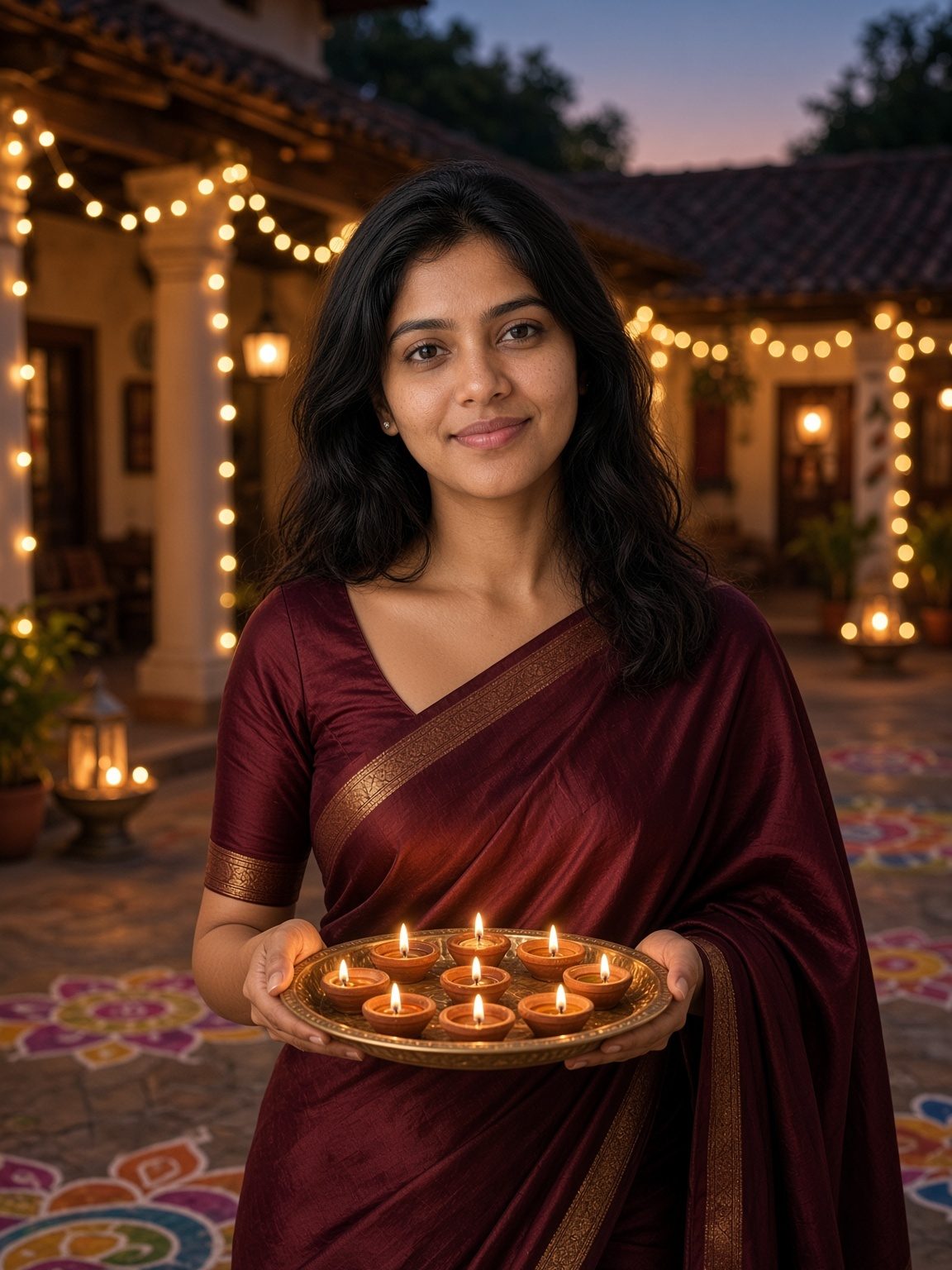
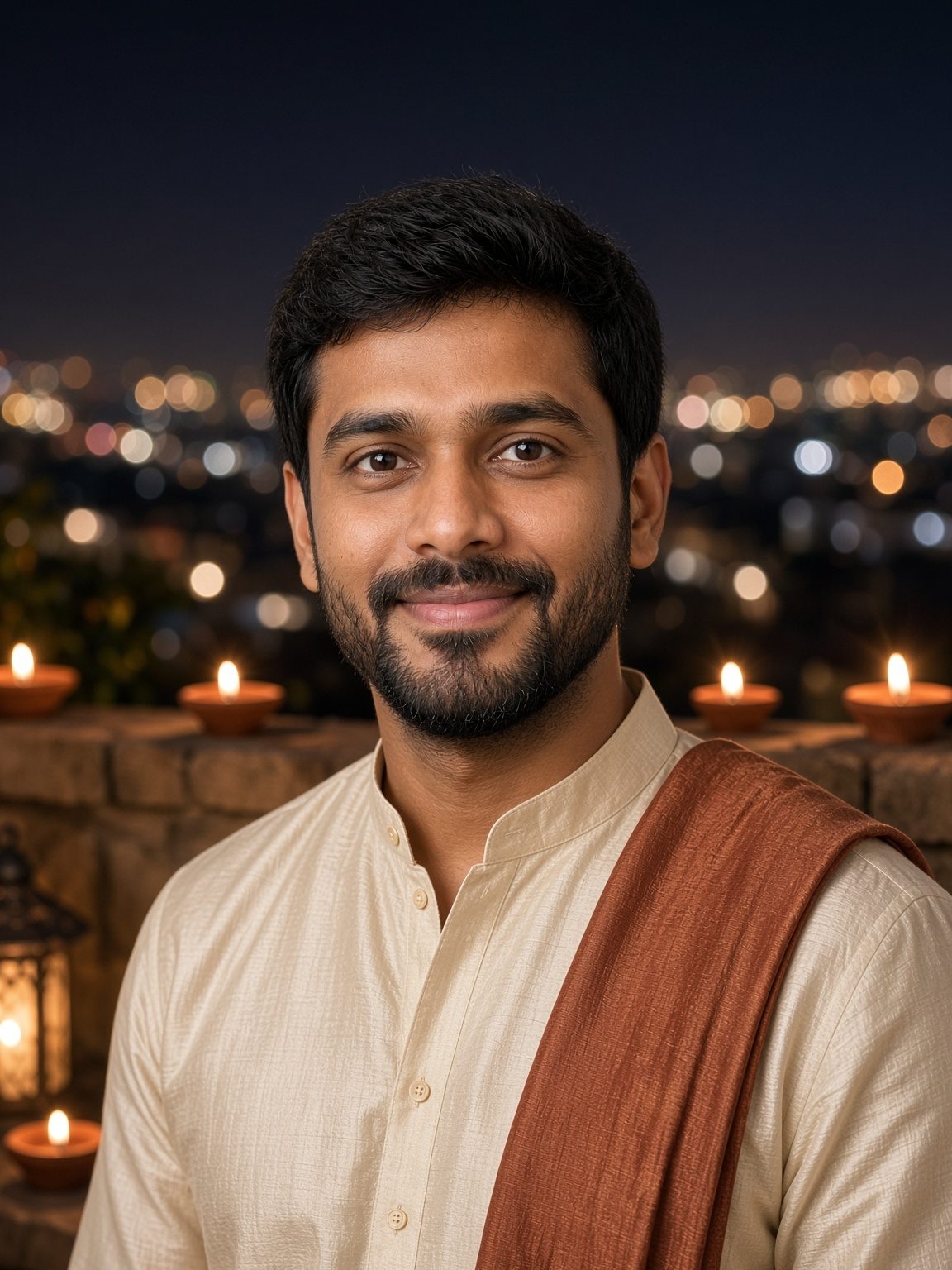
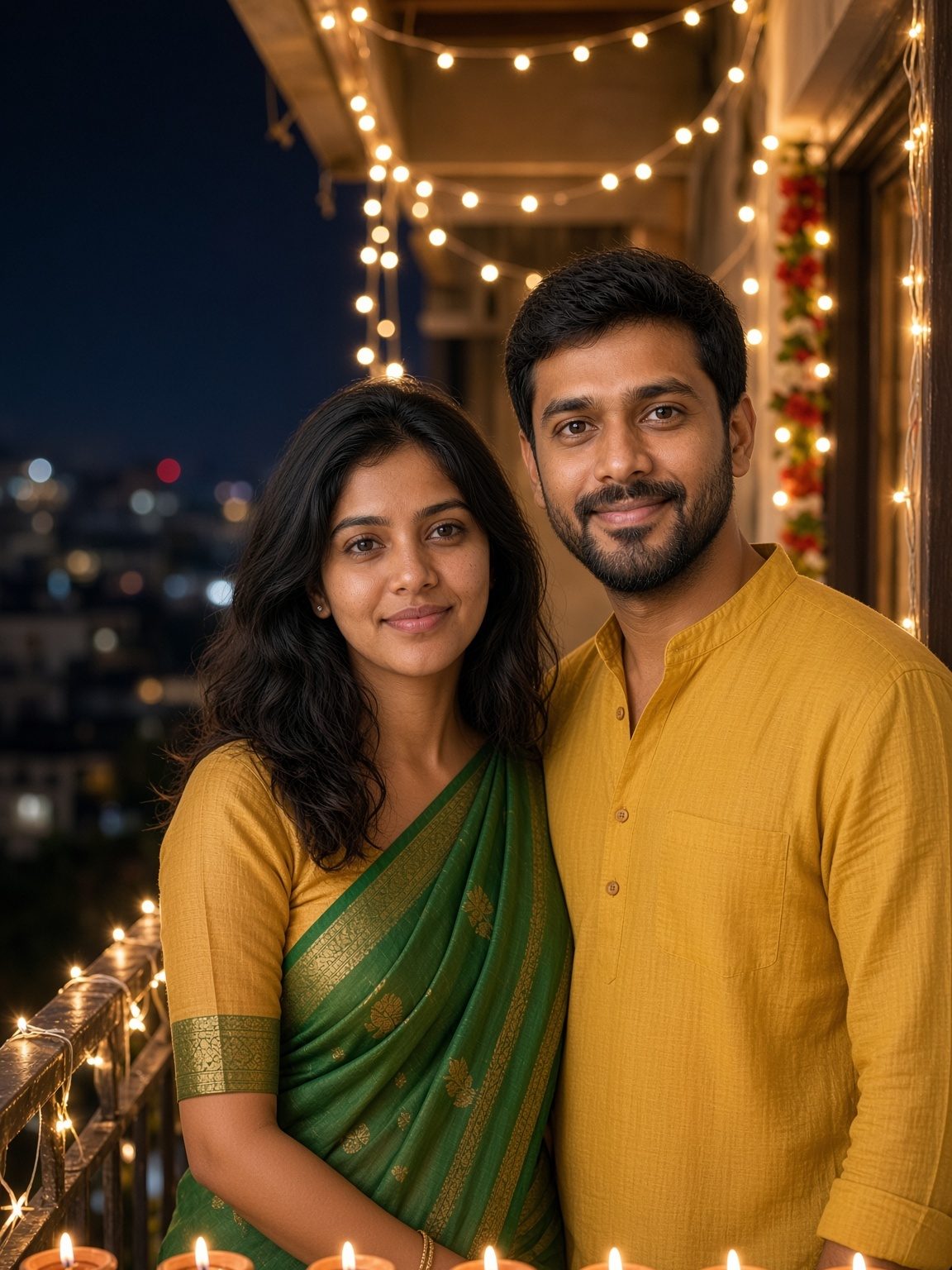
Shopfront Diwali greeting
Text to imageDiwaliIllustration3:4Wivrix AI, ChatGPT, or Gemini

A polished illustrated greeting for a small neighbourhood shop: a tidy storefront, marigold toran, two clay diyas, and the words Happy Diwali lettered with care.
Prompt
A single-storey neighbourhood shop with a terracotta-tiled overhang, a dark-wood door, a marigold-and-mango-leaf toran, two clay diyas on a granite step, a small brass bell, a clean cobble foreground. No brand names on shutters or bags. Warm evening wash from the upper left; the shop interior glows 2700 K through an open door; diyas throw small gold pools on the threshold. Orthographic slight elevation, as if a 50mm lens from across the street, no fisheye, no 3D render look. Grade: Paper-like warmth, slightly grainy, rich but not neon; cream margins stay clean. Spell the text exactly "Happy Diwali", fill #7A2E12. No other words. Aspect 2:3. No watermark, logo, extra people, children or brand marks.
Full prompt
{
  "project_name": "Shopfront Diwali greeting",
  "category": "festival",
  "prompt_type": "text-to-image",
  "task_objective": "Design a premium illustrated Diwali shopfront card with exact typography, generous margins and a warm evening palette, suitable for a small business to share or print.",
  "required_user_inputs": {
    "mandatory": [],
    "identity_source": null,
    "notes": "No user photo is required. Generate the entire frame from this specification."
  },
  "art_style": {
    "medium": "High-end flat illustration with a painterly gouache finish, not cheap clip-art",
    "aesthetic": "Contemporary Indian stationery, boutique shop sign-painter charm, print-ready",
    "lighting": "Warm evening wash from the upper left; the shop interior glows 2700 K through an open door; diyas throw small gold pools on the threshold.",
    "camera": "Orthographic slight elevation, as if a 50mm lens from across the street, no fisheye, no 3D render look",
    "colour_grade": "Paper-like warmth, slightly grainy, rich but not neon; cream margins stay clean.",
    "do_not_use": [
      "stock cartoon shops",
      "English misspellings",
      "fireworks collage",
      "QR codes",
      "celebrity likeness",
      "brand logos",
      "children",
      "watermarks"
    ]
  },
  "colors_and_visual_details": {
    "palette": [
      {
        "name": "wording russet",
        "hex": "#7A2E12"
      },
      {
        "name": "marigold",
        "hex": "#E39B20"
      },
      {
        "name": "tile terracotta",
        "hex": "#B5522A"
      },
      {
        "name": "wall cream",
        "hex": "#F4E6C8"
      },
      {
        "name": "dusk",
        "hex": "#5C6F8A"
      },
      {
        "name": "door teak",
        "hex": "#4A2E1C"
      }
    ],
    "notes": "Keep typography darker than the marigold so it stays readable on the cream sky."
  },
  "composition_and_framing": {
    "canvas": "Vertical portrait 3:4 at 2400 x 3200 px. If a model only offers 2:3, generate 2:3 and crop evenly to 3:4, keeping the headroom specified below.",
    "placement": "Shop centred, typography in the upper band, 12% margin at the top, 8% at the sides and foot.",
    "padding": "Keep a 6% safe margin on all sides; no important faces, hands, type or product edges cropped.",
    "camera_angle": "Orthographic slight elevation, as if a 50mm lens from across the street, no fisheye, no 3D render look",
    "foreground": "Even cream paper margin and a faint painted shadow under the step.",
    "midground": "The shopfront, toran and typography.",
    "background": "A quiet dusk street suggestion — a bicycle wheel, a distant neem tree — kept simple and unlabelled."
  },
  "output_specifications": {
    "format": "JPEG, high quality, natural grain, no compression artefacts.",
    "dimensions": "2400 x 3200 px",
    "aspect_ratio": "3:4",
    "platforms": [
      "Instagram portrait",
      "print A5 greeting",
      "WhatsApp status (centre-safe)"
    ],
    "resolution_intent": "Premium, print-capable sharpness with natural grain, not oversharpened social-media crunch."
  },
  "negative_prompt": [
    "watermark, logo, signature, username or UI chrome",
    "misspelt text or extra typography not specified",
    "children or anyone who appears under 18",
    "celebrity likeness, known actors, or references to existing films or memes",
    "brand logos, trademarks, or readable commercial packaging",
    "beauty-filter skin, plastic skin, poreless airbrushing",
    "extra fingers, warped hands, melted jewellery",
    "oversharpening, HDR halos, oversaturated 'Indian wedding' orange grade",
    "stock-photo poses and generic studio cyclorama unless specified",
    "low-resolution, muddy shadows, JPEG artefacts, vignette crushes"
  ],
  "scene_description": {
    "setting": {
      "value": "A single-storey neighbourhood shop with a terracotta-tiled overhang, a dark-wood door, a marigold-and-mango-leaf toran, two clay diyas on a granite step, a small brass bell, a clean cobble foreground. No brand names on shutters or bags.",
      "importance": "critical"
    },
    "foreground": {
      "value": "Even cream paper margin and a faint painted shadow under the step.",
      "importance": "high"
    },
    "midground": {
      "value": "The shopfront, toran and typography.",
      "importance": "high"
    },
    "background": {
      "value": "A quiet dusk street suggestion — a bicycle wheel, a distant neem tree — kept simple and unlabelled.",
      "importance": "high"
    }
  },
  "exact_text": {
    "content": "Happy Diwali",
    "case_sensitive": true,
    "font": "A humanist display serif with modest contrast, slightly hand-inked edges, optical sizes like a fine invitation — not comic lettering, not heavy script.",
    "fill_hex": "#7A2E12",
    "outline_hex": null,
    "size": "The two words occupy 11% of frame height, tracking 20, baseline at 18% down from the top edge.",
    "position": "Centred in the upper margin above the roofline, with 10% side padding.",
    "text_preservation_rules": [
      "Spell exactly Happy Diwali — two words, Latin letters, title case.",
      "No Hindi alternative, no extra slogan, no shop name, no year, no hashtags.",
      "Leave the shop signboard inside the scene blank, so a name can be added later."
    ]
  }
}
The full JSON is copied when you press Try or Copy prompt. Wivrix AI opens with a short summary, because the spec is longer than its 1,500-character field — paste the JSON into the box. ChatGPT and Gemini can take the full JSON.
Use this in ChatGPT or Gemini
- Copy the prompt — the full JSON spec.
- Open ChatGPT or Gemini and start a new image.
- Paste the JSON and generate. Add a size or aspect ratio if the tool asks for one.
Tip. If the first result is off, generate again or tighten the lighting and camera words.
Results vary by model, settings and (for photo edits) the photo you upload. Use pictures you have permission to edit. Do not create sexual or misleading images of real people.